
Share your own files
Create a download link or QR code for a file stored on your computer and send it to anyone who needs it.
Drop Point is a Windows file-drop tool that lets you or someone else open a link from anywhere and upload files directly to your computer. Use it to share your own files, receive files from someone else, or move a file between computers when email limits get in the way and no USB drive is available. Files stay on your PC, and a temporary public link opens only when you need it.
WHY IT HELPS
Share a file, receive one from someone else, or move it between computers without depending on email attachment limits or a USB drive.
Create a download link or QR code for a file stored on your computer and send it to anyone who needs it.
Send the other person a drop link. Their upload is saved directly on your computer without a central cloud drive.
Use a temporary link to move files between computers when email attachment limits are too small and no USB drive is nearby.
Cloudflare Quick Tunnel creates a temporary address without an account or domain configuration.
Transferred files and settings remain on your computer instead of a central file-storage service.
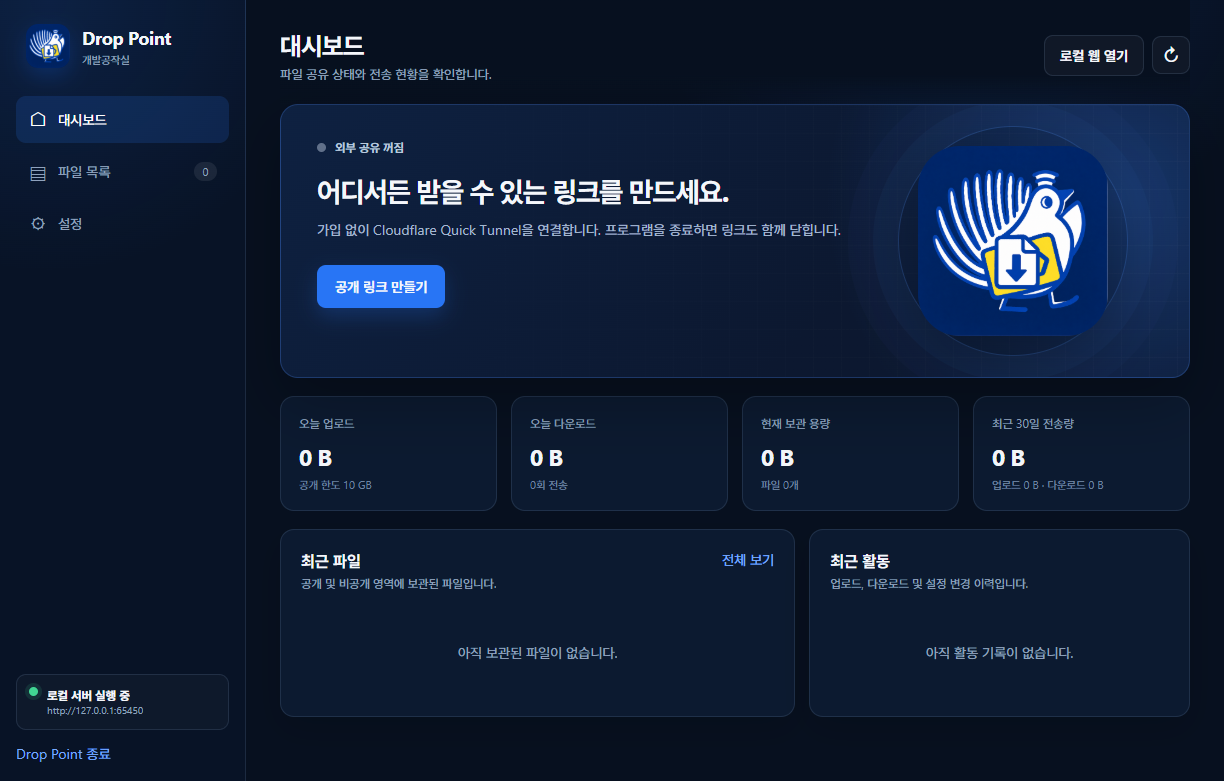
Review transfers, expiry, download limits, storage quota, and recent activity in one dashboard.
ONE-CLICK PUBLIC LINK
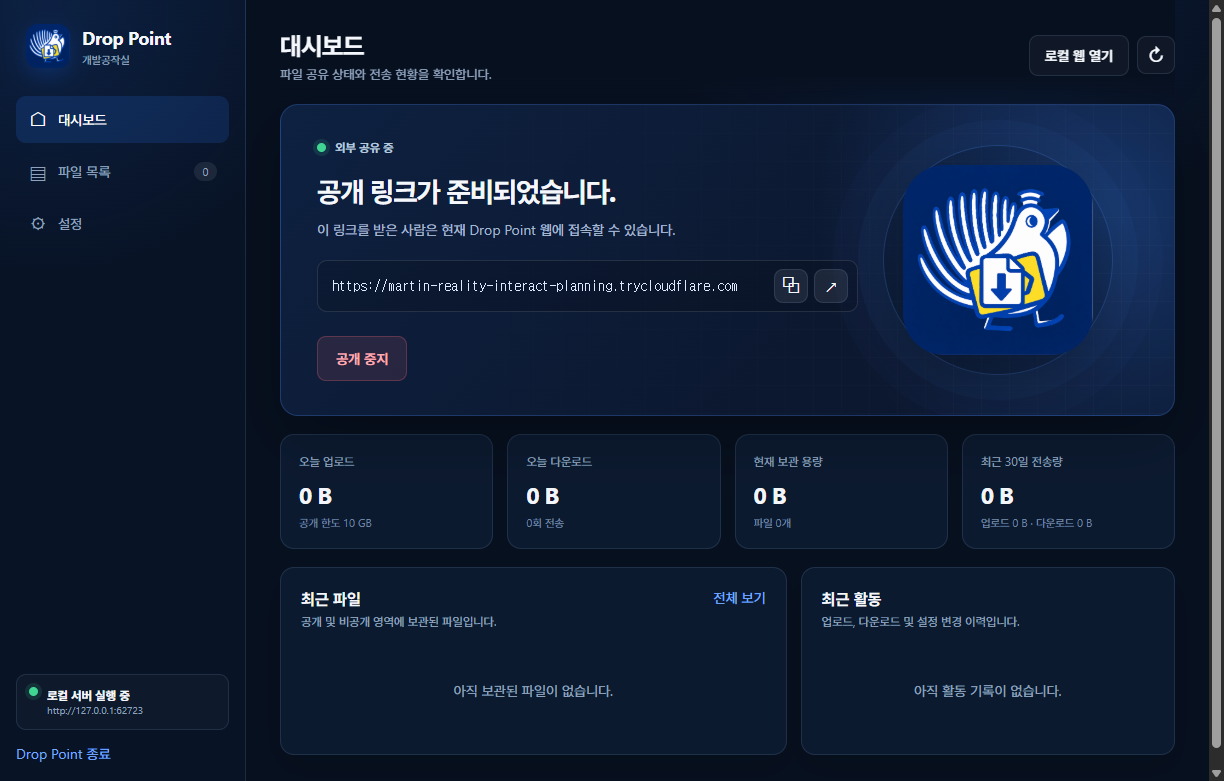
A temporary Cloudflare Quick Tunnel URL connects to the local server. Anyone with the link can drop a file directly onto your computer, while stored files can be shared back as download links. Stop public access or quit the app to close the address.
QUICK START
The installer includes the desktop app, local web server, and tunnel helper.
Download the latest Windows installer from GitHub Releases and run it.
Create private-area and administrator passwords, then review the terms and privacy notice.
Create a public link from the dashboard and send it to yourself or anyone who needs to deliver a file.
Files dropped through the link are saved on your computer. You can create download links for stored files as well.
BEFORE DOWNLOAD
The current installer is not yet code-signed, so Windows SmartScreen may display a warning. Code signing is under review before broad public distribution.
The download opens the latest GitHub Release.